Photo → identified part
Drop a picture of a worn, broken, or mystery component. Vision AI reads shape, markings, and context to suggest a part name, category, and OEM-style reference code.
AI auto part identification · United States
PartFinder AI helps US drivers and repair professionals turn a smartphone picture into OEM-style part numbers, vehicle fitment hints, damage notes, and quick links to major American retailers—so you spend less time guessing and more time ordering the right component.
2 included identifications per month on the free tier—no card required.
Front lower control arm — LH
OEM-style ref · MC5Z-3078-B
Fitment · F-150 2015–2020 (verify trim)
Retail · Amazon · RockAuto · AutoZone
Every feature maps to something you already do today—just with less guesswork and fewer open browser tabs.
Drop a picture of a worn, broken, or mystery component. Vision AI reads shape, markings, and context to suggest a part name, category, and OEM-style reference code.
See likely compatible makes, models, and years—not just a guess—so you can double-check with your VIN or parts desk before you order.
Jump to Amazon, RockAuto, AutoZone, and O'Reilly with prefilled search context—built for how American DIYers and shops already buy parts.
Optional damage notes, related parts to inspect, and up to three synthesized marketplace-style listings with prices and stock hints—always verify on the seller’s site.
Signed-in users keep a rolling history of analyses so you can revisit a job site photo or share results with a shop or insurer.
Start on a free monthly allowance, then scale with Stripe-backed subscriptions when you’re running regular estimates or fleet checks.
Whether you are in a home garage in Texas, a body shop in California, or a fleet yard in the Midwest, PartFinder AI speaks the language of American parts research: OEM references, domestic fitment years, and retailer shortcuts you already use.
Skip hours of forum scrolling. Get a starting OEM reference and fitment direction before you drive to the parts store or order online for delivery across the US.
Front-counter teams use PartFinder AI to document mystery components, attach photos to estimates, and speed up calls to NAPA, O'Reilly, or your jobber.
Estimators capture damaged parts on the lift, note related components to inspect, and produce shareable summaries for supplements and insurer review.
Yard staff and fleet managers label unknown inventory faster—especially when tags are missing but the casting or bracket profile is visible.
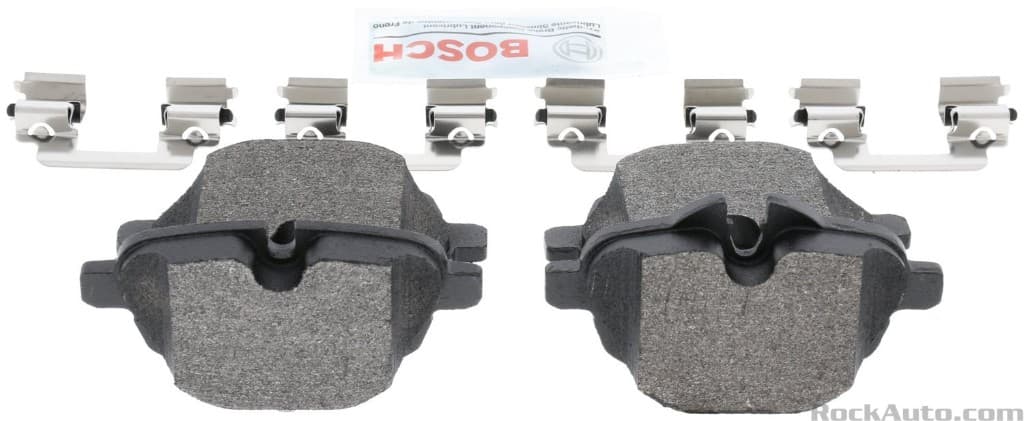
Brake pads, injectors, HVAC cores, CV boots, batteries, and more — the same kinds of catalog and bench photos you already work with. Upload yours on the lift or counter.
Catalog-style examples
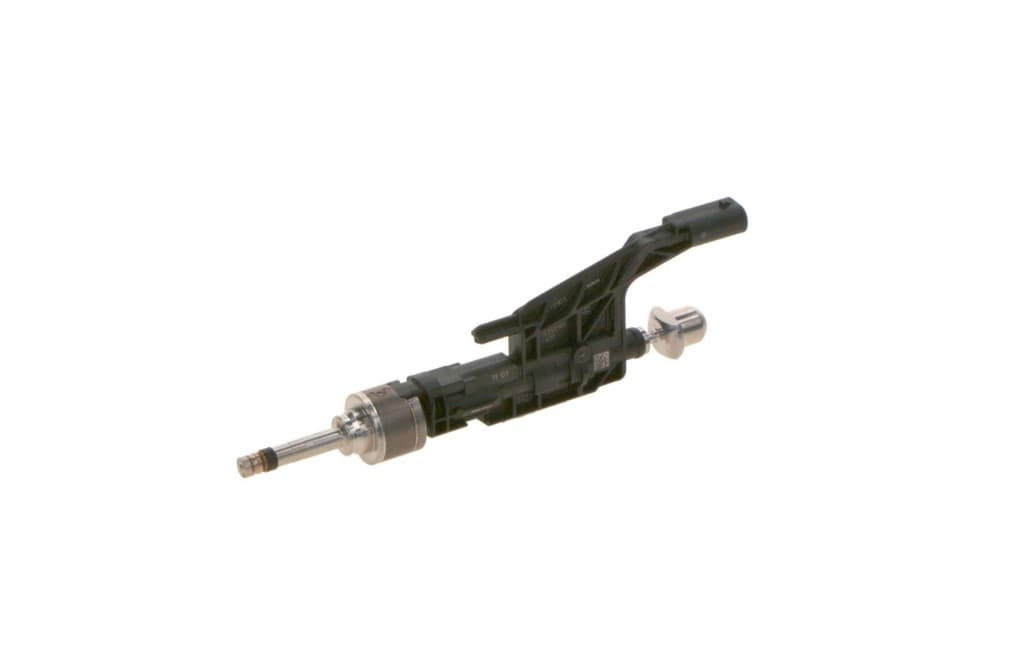
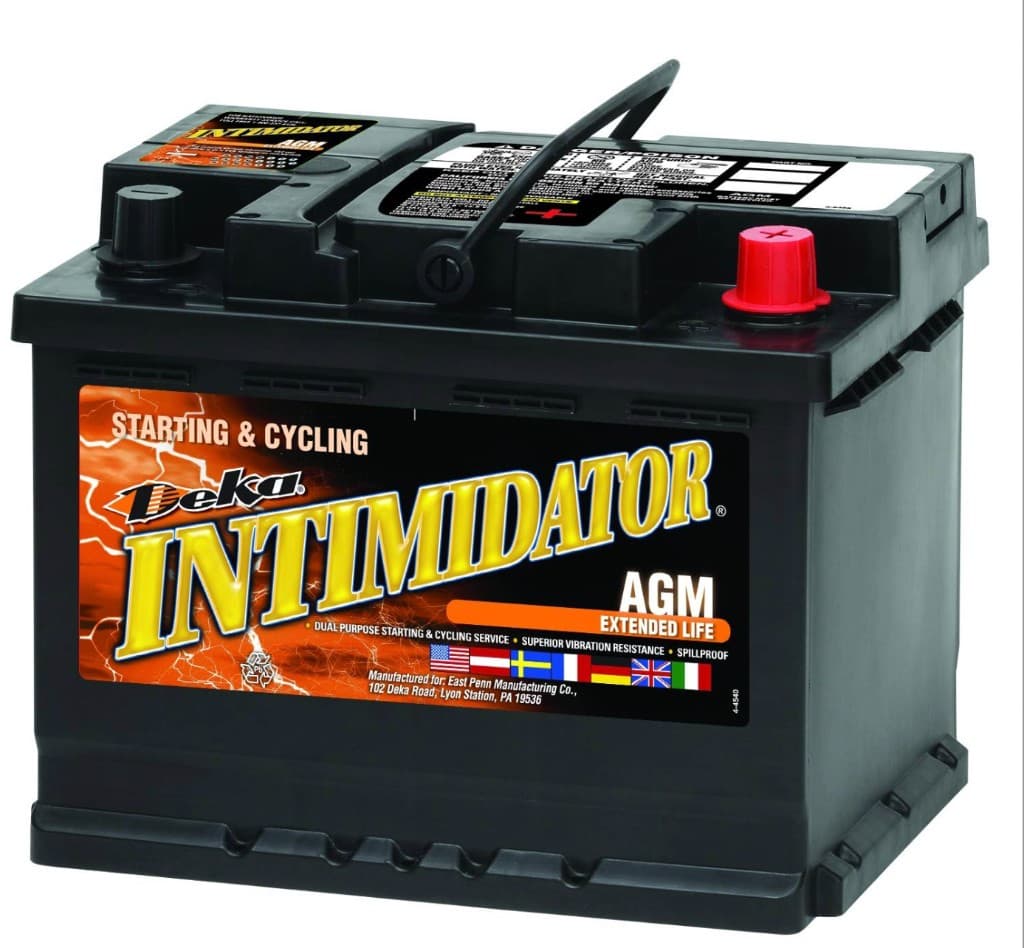
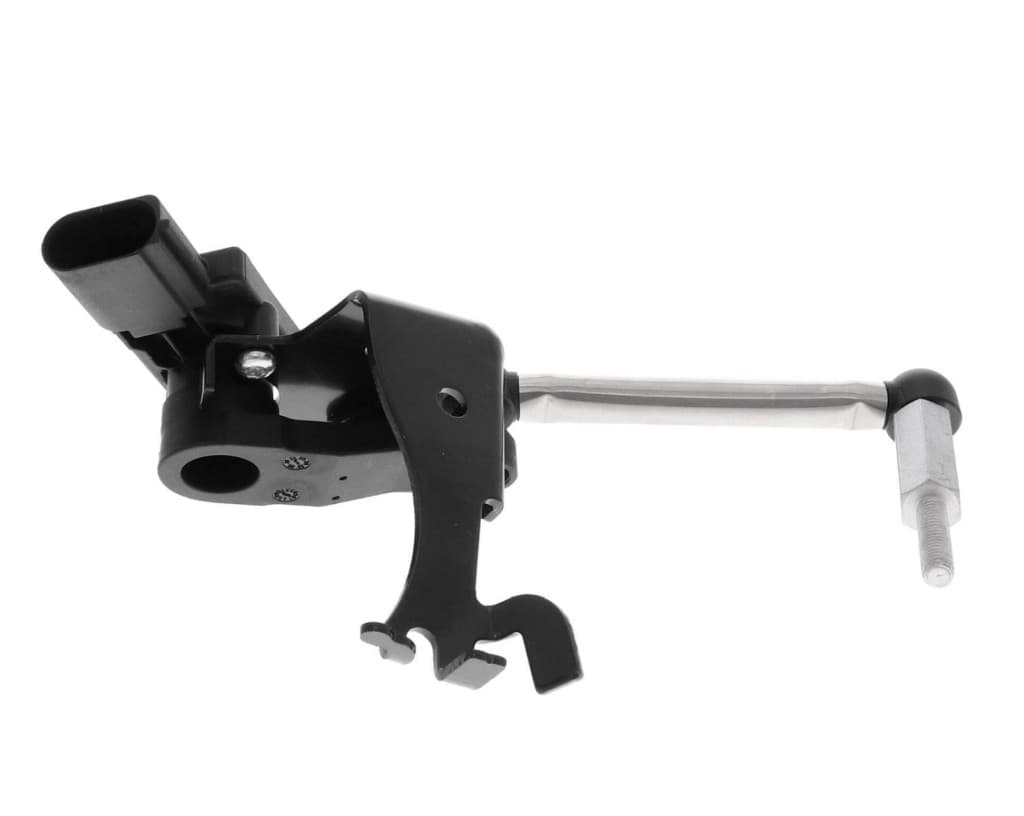
Searching for an unknown component usually means bouncing between forums, PDF catalogs, and five open retailer tabs. PartFinder AI compresses that workflow: upload an image, receive a structured report with a suggested part name, OEM-style reference code, likely year/make/model fitment, and optional damage context for collision work.
The platform is designed for the United States market: pricing in USD, monthly search allowances that match shop volume, and outbound shortcuts toward US ecommerce and parts chains. Results are research aids—always confirm against your VIN, trim level, and supplier catalog before install or warranty decisions.
Common searches we support: car part identification by photo · OEM part number lookup · automotive fitment research · collision parts catalog search · aftermarket vs OEM cross-reference starting point.
Three short steps from photo to a shareable, shop-ready summary.

Use your phone in the bay or lot. Include part numbers or stampings when visible—optional vehicle fields sharpen results.
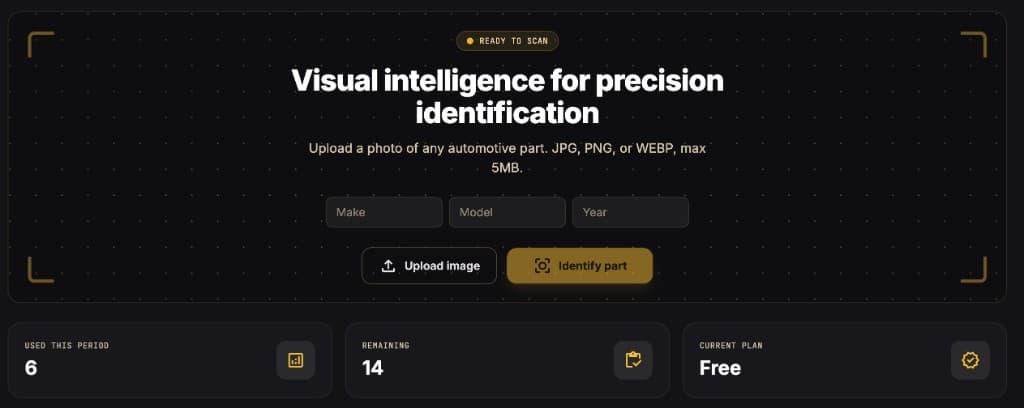
Our engine calls a leading vision model, then structures OEM clues, fitment, links, and notes into a single readable report.
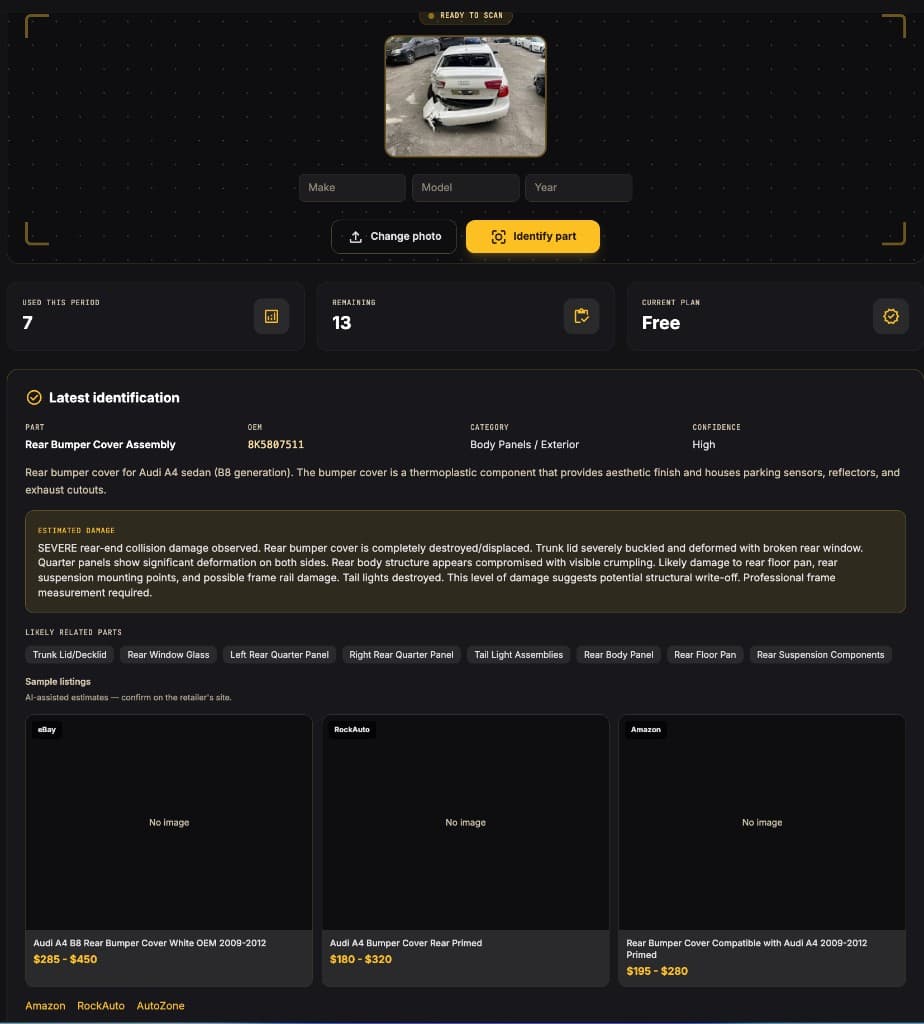
Use the report as a lab notebook, not a warranty. Confirm with a pro, then follow retailer links or your preferred supplier.
Transparent search allowances. Upgrade when your lane gets busier.
Paid plans bill securely through Stripe. See full checkout details on the pricing page.
Answers for US drivers, DIYers, and repair shops using photo-based part identification.
Upload a clear, well-lit photo of the part in PartFinder AI. The vision model reads shape, castings, and labels, then returns a suggested part name, OEM-style reference code, and fitment hints you can verify with your VIN or parts counter.
No. Results are research aids for DIYers, shops, and estimators in the United States. Always confirm fitment, torque specs, and safety-critical work with a qualified technician and OEM documentation.
Reports include shortcuts to major US retailers such as Amazon, RockAuto, AutoZone, and O'Reilly Auto Parts. Inventory and pricing change constantly—verify on each retailer's website before purchasing.
Use daylight or shop lighting, keep the part in focus, and fill most of the frame. Include stampings, stickers, or barcodes when visible. Adding year, make, and model in the dashboard improves fitment accuracy.
Yes. Shops use it to speed up front-end research on damaged components, document related parts to inspect, and share structured summaries with suppliers or insurers. Paid plans scale monthly identification volume.
Create an account in under a minute and run your first identification today.